After logging into your Merit page. On the My Account tab, click the "change" button

Add a new password and click the "Update Password" button

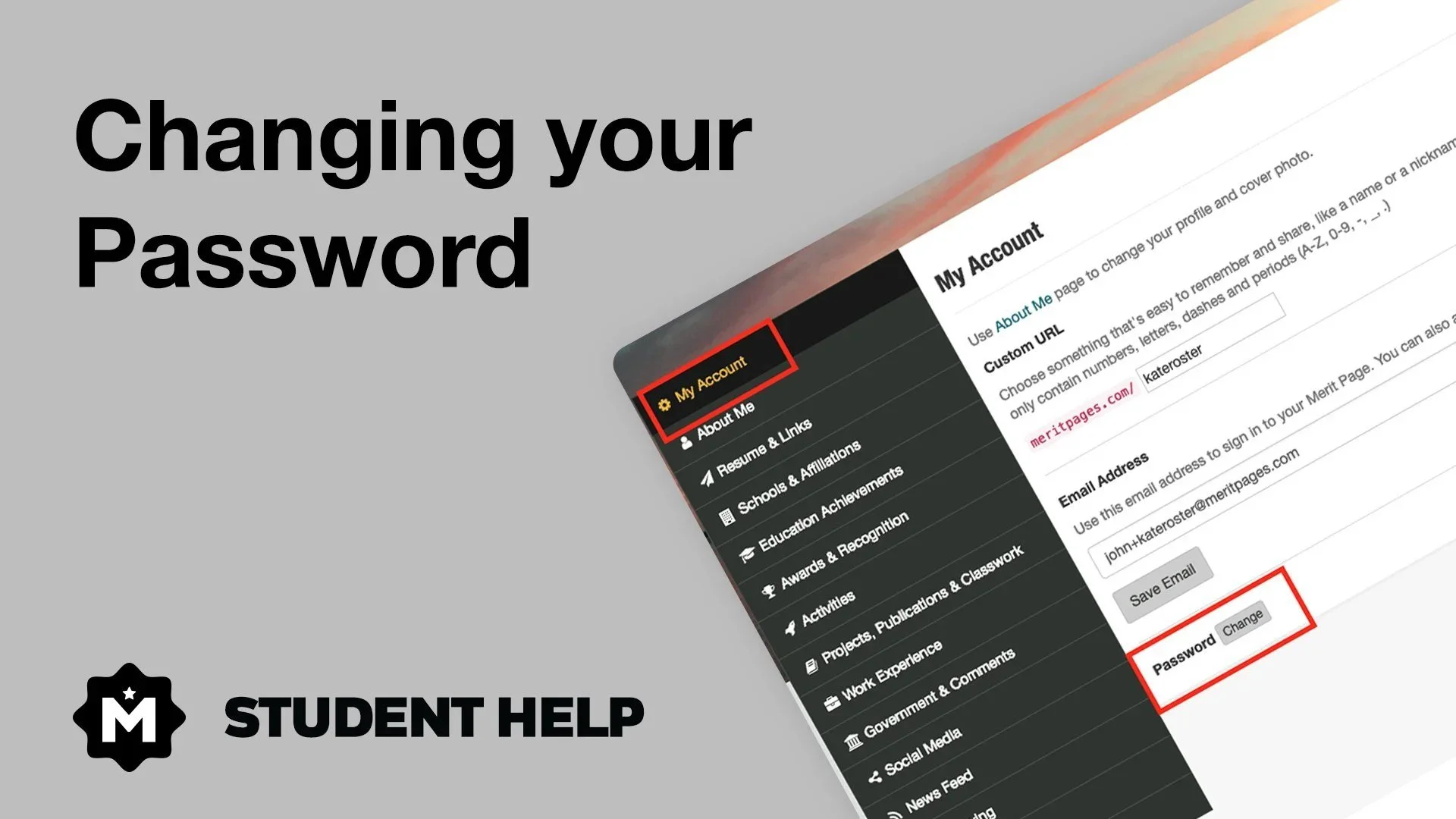
After logging into your Merit page. On the My Account tab, click the "change" button
Add a new password and click the "Update Password" button


Log in to access your dashboard, resources, and personalized features.
Choose your account type to continue